

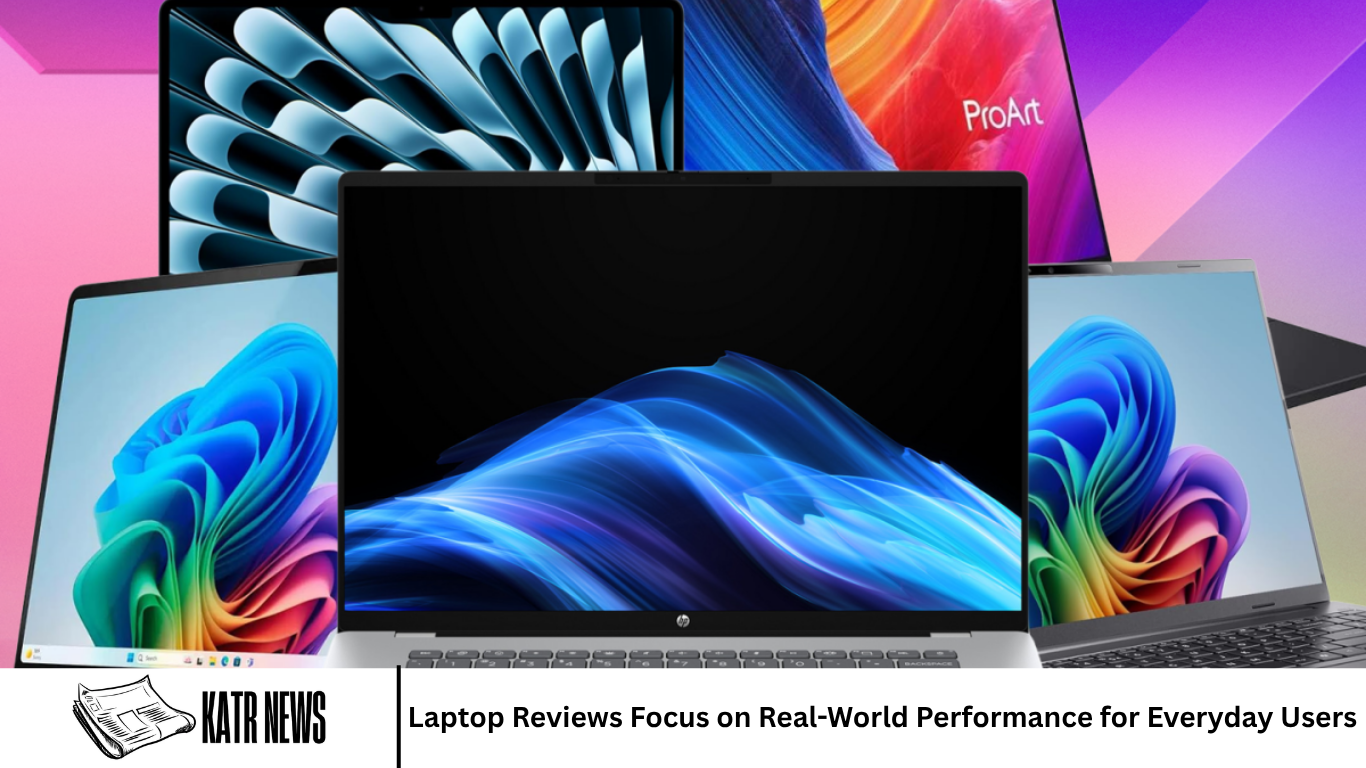
Laptops have become an essential part of everyday life. Students use them for classes and research, professionals rely on them for work, and many people use them for entertainment, communication, shopping, and personal projects. With so many models available, choosing the right laptop can be difficult, especially when specifications do not always explain how a device performs during normal use.
Laptop reviews can help users understand what they can realistically expect from a computer. Instead of focusing only on processor names, memory capacity, or storage numbers, real-world reviews examine how a laptop performs during tasks people actually do every day. This includes browsing the web, working with documents, watching videos, joining meetings, managing files, and using multiple applications.
Why Real-World Laptop Performance Matters
Technical specifications provide useful information, but they do not always tell the complete story. Two laptops can have similar hardware while offering very different experiences because of differences in cooling, software optimization, display quality, battery capacity, and overall design.
Real-world performance looks at how a laptop behaves during regular use. A computer may have a powerful processor, but if it becomes extremely hot or noisy under normal workloads, the experience may not be ideal.
Reviews that consider everyday performance give buyers a broader understanding of what a laptop can actually deliver.
Everyday Tasks and General Performance
For many users, everyday laptop performance means opening applications quickly, browsing multiple websites, writing documents, checking email, watching videos, and switching between different tasks.
A good everyday laptop should feel responsive during these activities. Applications should open without excessive delays, websites should load smoothly, and multitasking should remain comfortable.
Users who mainly perform basic tasks may not need the most powerful processor available. A well-balanced laptop with sufficient memory and fast storage can provide a smooth experience without requiring premium hardware.
Processor Performance
The processor remains one of the most important components in a laptop. It affects how quickly the computer handles many different tasks.
Modern processors are available across a wide range of performance levels. Entry-level chips can be suitable for basic workloads, while more powerful processors are designed for demanding applications such as video editing, software development, engineering programs, and advanced multitasking.
Reviews can help explain the difference between processor specifications and actual usage. Instead of simply stating that one processor is faster, a useful review considers whether the extra performance is noticeable during everyday tasks.
Memory and Multitasking
RAM has a major impact on multitasking. When users keep many browser tabs and applications open simultaneously, having enough memory can help maintain a smooth experience.
A laptop with limited memory may become slower when several applications are running at the same time. Users may notice delays when switching between programs or working with large files.
For this reason, laptop reviews often consider multitasking rather than testing only one application at a time. This provides a more realistic picture of how the computer performs during normal workloads.
Storage Speed and Capacity
Storage affects both capacity and responsiveness. Modern solid-state drives generally provide faster access to files and applications than older mechanical hard drives.
Fast storage can help reduce startup times and make applications feel more responsive. It can also make file transfers and other storage-related tasks quicker.
Capacity is equally important. Users who store photos, videos, games, documents, and other large files may need more storage than someone who primarily works online.
Battery Life
Battery life is one of the most important considerations for people who use laptops away from a desk. A laptop may have excellent performance, but limited battery life can reduce its usefulness for mobile work.
Real-world battery testing is more helpful than relying only on manufacturer estimates. Actual battery life can vary depending on screen brightness, applications, network activity, processor usage, and power settings.
Reviews can therefore provide a better idea of how long a laptop may last during browsing, video playback, office work, or other common activities.
Display Quality
The display is something users interact with every time they use a laptop. Screen size, resolution, brightness, color accuracy, refresh rate, and viewing angles can all affect the experience.
For office work and web browsing, a sharp and comfortable display can reduce eye strain and make text easier to read. Creative professionals may place greater importance on color accuracy.
Gaming users may prefer displays with higher refresh rates, while people who travel frequently may prioritize screen quality alongside low weight and compact dimensions.
Keyboard and Trackpad
A laptop’s keyboard and trackpad can have a major effect on everyday usability. People who spend several hours typing need a keyboard that feels comfortable and provides consistent feedback.
Key travel, spacing, layout, and backlighting can all influence the typing experience. A poorly designed keyboard can make long work sessions less comfortable.
The trackpad is also important. A responsive and accurate trackpad makes navigation easier, especially for users who do not regularly connect an external mouse.
Build Quality and Design
Build quality can influence how a laptop feels and how well it handles regular use. Materials, hinges, chassis construction, and overall design all contribute to the physical experience.
A strong build can provide confidence for people who frequently carry their laptop between home, school, work, or other locations.
However, stronger materials can sometimes increase weight. Laptop manufacturers therefore need to balance durability with portability.
Portability for Mobile Users
People who travel frequently may value a lightweight and compact laptop. A device that is easy to carry can be more convenient for students, remote workers, and business users.
Portability involves more than weight. Battery life, charger size, screen dimensions, and overall thickness can also influence how easy a laptop is to carry.
A larger laptop may provide a better display and stronger cooling, while a smaller model may be more convenient for transportation.
Connectivity and Ports
Ports remain important even as wireless accessories become more common. Users may need USB connections, display outputs, memory card slots, audio connections, or other interfaces.
The availability and location of ports can affect everyday convenience. Professionals may need to connect external displays, storage devices, projectors, or specialized equipment.
Reviews can help users understand whether a laptop offers enough connectivity for their particular needs.
Webcam and Microphone Quality
Video meetings have become a common part of work, education, and communication. This makes webcam and microphone quality more important than it once was.
A laptop with a clear webcam and reliable microphone can make online meetings more convenient. Poor image quality or weak audio can make communication more difficult.
Reviews that test these features can help users understand how well a laptop performs during video calls rather than focusing only on processing hardware.
Speakers and Entertainment
Laptop speakers vary significantly between models. Some provide clear audio suitable for meetings and casual entertainment, while others offer a stronger sound experience.
Users who frequently watch movies, listen to music, or play games may care more about speaker quality.
Headphone support and wireless audio compatibility can also influence the entertainment experience.
Heat and Fan Noise
Performance is closely connected to thermal management. Powerful components generate heat, and laptops need cooling systems to maintain stable performance.
A laptop that becomes very hot or produces loud fan noise during ordinary tasks may be less comfortable to use.
Reviews can provide useful information about temperatures and fan behavior under different workloads. This is especially important for thin laptops, where cooling space can be limited.
Gaming Performance
Gaming laptops require additional considerations. Games can place heavy demands on processors, graphics hardware, memory, and cooling systems.
Real-world gaming tests can show how a laptop performs at different settings and resolutions. Frame rates, temperatures, fan noise, and battery performance can all matter.
Users who only play lightweight games may not need a high-end gaming laptop. More demanding titles, however, can require dedicated graphics hardware and stronger cooling.
Creative Work and Professional Applications
Some users need laptops for video editing, photo editing, music production, programming, or other demanding workloads.
These tasks can benefit from stronger processors, more memory, fast storage, and capable graphics hardware.
Creative professionals may also require high-quality displays with accurate colors. Developers may prioritize memory, processor performance, and a comfortable keyboard.
A useful laptop review should therefore explain how the device performs across different types of workloads rather than treating every user the same.
Operating System Experience
The operating system also influences the overall laptop experience. Windows, macOS, ChromeOS, and other platforms offer different interfaces, application ecosystems, and hardware options.
The right platform depends on the user’s existing software, work requirements, preferences, and other devices.
Reviews can examine how smoothly the operating system works with the laptop hardware and whether common applications perform as expected.
Software and Preinstalled Applications
Some laptops come with additional software installed by the manufacturer. Certain applications may be useful, while others can take up storage or run unnecessarily in the background.
A clean software experience can make a new laptop feel faster and easier to configure.
Reviews can also consider whether the manufacturer provides useful utilities for managing performance, battery settings, updates, and device features.
Security Features
Security is becoming increasingly important as laptops are used for personal and professional information.
Features such as fingerprint readers, facial recognition, hardware security components, and secure operating system support can provide additional protection.
Business users may require stronger security features because their laptops can contain sensitive company information.
Repairability and Upgrades
Repairability can affect the long-term value of a laptop. Some devices allow users or technicians to replace storage or memory, while others have more components permanently integrated into the system.
A laptop that is easier to repair or upgrade may remain useful for a longer period.
However, modern thin designs often require manufacturers to make compromises between upgradeability, size, weight, and efficiency.
Software Updates and Long-Term Support
A laptop should not only perform well when it is new. Long-term software and security support can also affect its value.
Regular updates can improve security, compatibility, and system stability. Manufacturer support can also make it easier to resolve hardware or software problems.
Users planning to keep a laptop for several years should consider the support available for the device.
Price and Overall Value
Price is an important part of every laptop decision. A more expensive laptop is not automatically the right choice for every user.
The best value depends on what the laptop offers relative to its price and how well it matches the user’s requirements.
Someone who needs a laptop for web browsing and documents may not benefit from spending heavily on premium performance. A professional working with demanding applications may consider higher performance more valuable.
Comparing Different Laptop Categories
Laptop reviews can help users understand the differences between categories. Budget laptops generally focus on essential tasks, while premium models may emphasize build quality, displays, performance, portability, and additional features.
Gaming laptops prioritize graphics performance and cooling. Business laptops may focus on security, durability, keyboards, and reliability.
Ultrabook-style devices often emphasize portability and battery life. Two-in-one laptops add flexible designs that allow users to switch between traditional laptop and tablet-style modes.
Why Benchmarks Are Not Enough
Benchmark tests are useful because they provide standardized ways to compare hardware. However, benchmark scores do not always represent everyday experience.
A laptop may achieve excellent results in a particular test while still having weaknesses in areas such as battery life, keyboard quality, display brightness, or thermal performance.
Real-world reviews combine performance measurements with practical observations. This gives readers a more complete understanding of the product.
What Everyday Users Should Look For
Everyday users should consider the tasks they perform most often. Someone who mainly browses the internet and writes documents may prioritize comfort, battery life, display quality, and reliability.
Users who work with large files or demanding applications may need stronger processors, more memory, and additional storage.
Students may want a balance between price, portability, battery life, and performance, while professionals may place greater emphasis on build quality and connectivity.
How Laptop Reviews Help Buyers
A detailed laptop review can reduce uncertainty before a purchase. Buyers can learn how a device performs under realistic conditions and understand its strengths and limitations.
Reviews are especially useful when they explain who a laptop is designed for. Instead of simply declaring a device good or bad, a helpful review describes the situations where it makes the most sense.
This approach allows readers to compare the information with their own needs.
The Future of Laptop Design
Laptop technology continues to evolve. New processors are becoming more efficient, displays are improving, and manufacturers are experimenting with thinner designs and new form factors.
Artificial intelligence features are also becoming more common in modern computers. Some laptops now include specialized hardware designed to handle certain AI workloads locally.
Battery efficiency, connectivity, and thermal management will remain important areas as manufacturers try to provide more performance without sacrificing portability.
Frequently Asked Questions
What should I look for in a laptop review?
Look for information about real-world performance, battery life, display quality, keyboard and trackpad, build quality, portability, connectivity, heat, fan noise, and software experience.
Are laptop specifications enough to choose a computer?
Specifications are useful, but they do not show the complete experience. Real-world testing can reveal differences in battery life, cooling, responsiveness, display quality, and usability.
How important is battery life?
Battery life is particularly important for users who regularly work away from a power outlet. Actual battery performance can vary depending on workload and settings.
Do everyday users need a powerful processor?
Not necessarily. Users performing basic tasks can often get excellent results from mid-range hardware. More powerful processors become valuable for demanding applications such as editing, programming, gaming, and professional workloads.
How long should a laptop last?
The useful lifespan depends on hardware, software support, workload, maintenance, and individual expectations. A well-built laptop with adequate hardware and long-term software support can remain useful for several years.
Conclusion
Laptop reviews are becoming increasingly focused on real-world performance because specifications alone cannot explain the complete user experience. Processor speed, memory, storage, and graphics capabilities remain important, but battery life, display quality, keyboard comfort, build quality, cooling, software, and portability can be equally significant.
Every user has different needs. A student may prioritize affordability and battery life, while a professional may need stronger performance and better connectivity. A gamer may require dedicated graphics, while a frequent traveler may value a lightweight design.
